Besuchen Sie uns auf der it-sa 2026. Vom 27. bis zum 29. Oktober stellen wir Ihnen an unserem Partnerstand Lösungen rund um i-doit vor. Sie finden uns in der Halle 7 (Standnummer 7-309).
Sie wünschen einen konkreten Termin? Dann nehmen Sie bitte Kontakt mit uns auf - wir stellen Ihnen gerne kostenfreie Tickets zur Verfügung!
With the new Znuny ToDoList Widget add-on, you can integrate task management directly into your ticket processing.
Create to-dos directly in the ticket, assign them to responsible parties, set priorities and due dates, and keep track of pending tasks at all times. Agents can check off, edit, or add to tasks directly without having to leave the ticket.
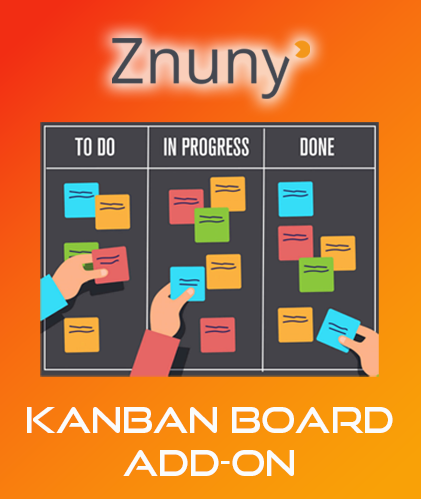
Visualize your processes now with the new Znuny Kanban Board Add-on Take your Znuny processes to the next level!
Whether it’s a service desk, customer service, or internal IT department, the Znuny Kanban Board add-on makes workflows transparent, promotes teamwork, and helps close tickets faster.
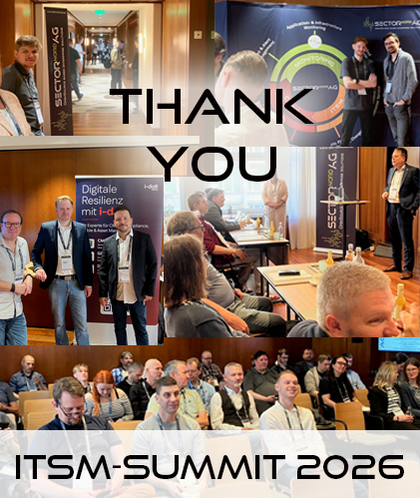
On September 9, our ITSM Summit 2026 took place at the Conrad Hotel in Hamburg. We would like to thank our partner, i-doit.group, and the once again numerous attendees!
We have published the presentations and photos from this event HERE!
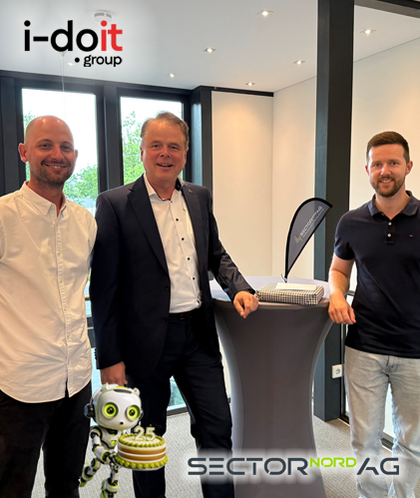
Stefan Schäfer extends his heartfelt thanks to Rafael Winkler (pictured left) and Fabian Wolff (pictured right) for their visit to Oldenburg and for their kind gesture in honor of SECTOR NORD AG’s 25th anniversary.
We greatly value our partnership and look forward to our next milestones together and to many more years filled with innovation, teamwork, and shared successes!
Celebrate with us! To mark our anniversary—25 years of SECTOR NORD AG—we are offering you an exclusive special discount* of 5% on all SMSEagle SMS gateways. Get powerful, reliable, and GDPR-compliant SMS communication now – ideal for alerts, IT monitoring, 2FA, and more.
We were represented at the eGo-MV event in Mecklenburg-Western Pomerania at the end of June 2026 as part of the Members’ and Partners’ Day. i-doit took center stage at our partner booth!
In addition to expert presentations, strategic insights, and networking, the event also celebrated the association’s 20th anniversary.
If you do not wish to include all Active Directory users in i-doit, you can restrict said users via filters. Previously, the configuration of the LDAP filter could only be achieved by using the Filter Builder.
Starting from i-doit Version 31, the filter string can be edited directly.
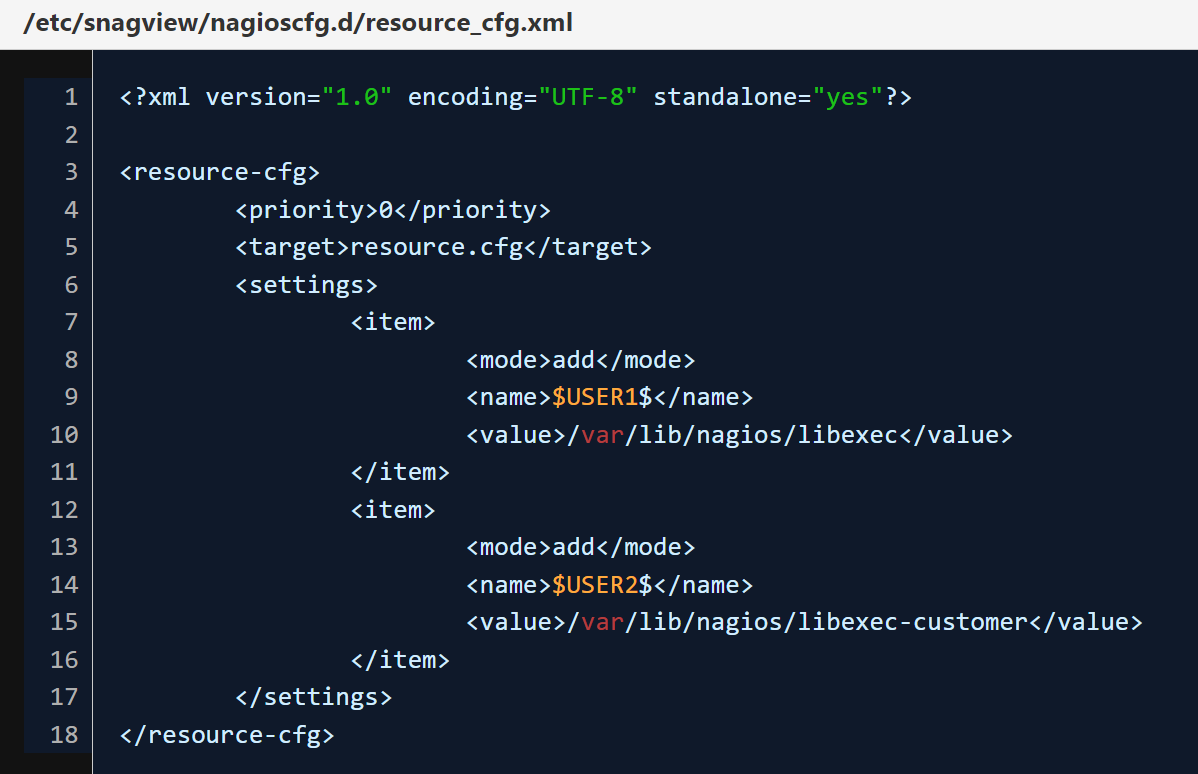
Additional placeholders for the path to plugins ($USERXXX$) can be integrated very easily in SNAG-View. The following steps are necessary for this:
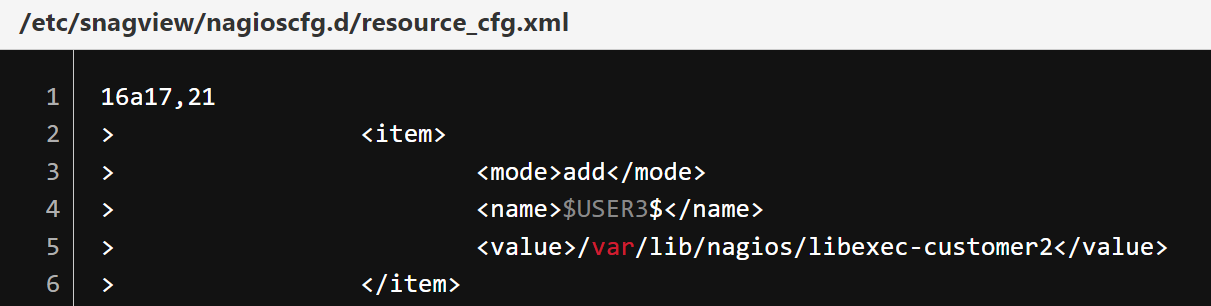
A new <item> entry must be created in the "resource_cfg.xml".
Note: Be careful not to change or delete existing <item> entries.
Example:
We currently ship two predefined macros: "$USER1$ and $USER2$". After the change, the macro $USER3$ is available for the path /var/lib/nagios/libexec-customer2.
The script "/usr/bin/createNagiosCfg.sh" is then executed, so that the configuration is saved and saved in the resource.cfg.